
Software
Small business owners need efficient tools to streamline operations without breaking the bank. These 10 free Excel templates solve common productivity challenges—from budget tracking to project management—so you can focus on growth instead of spreadsheets.
Simple Business Budget Tracker Template
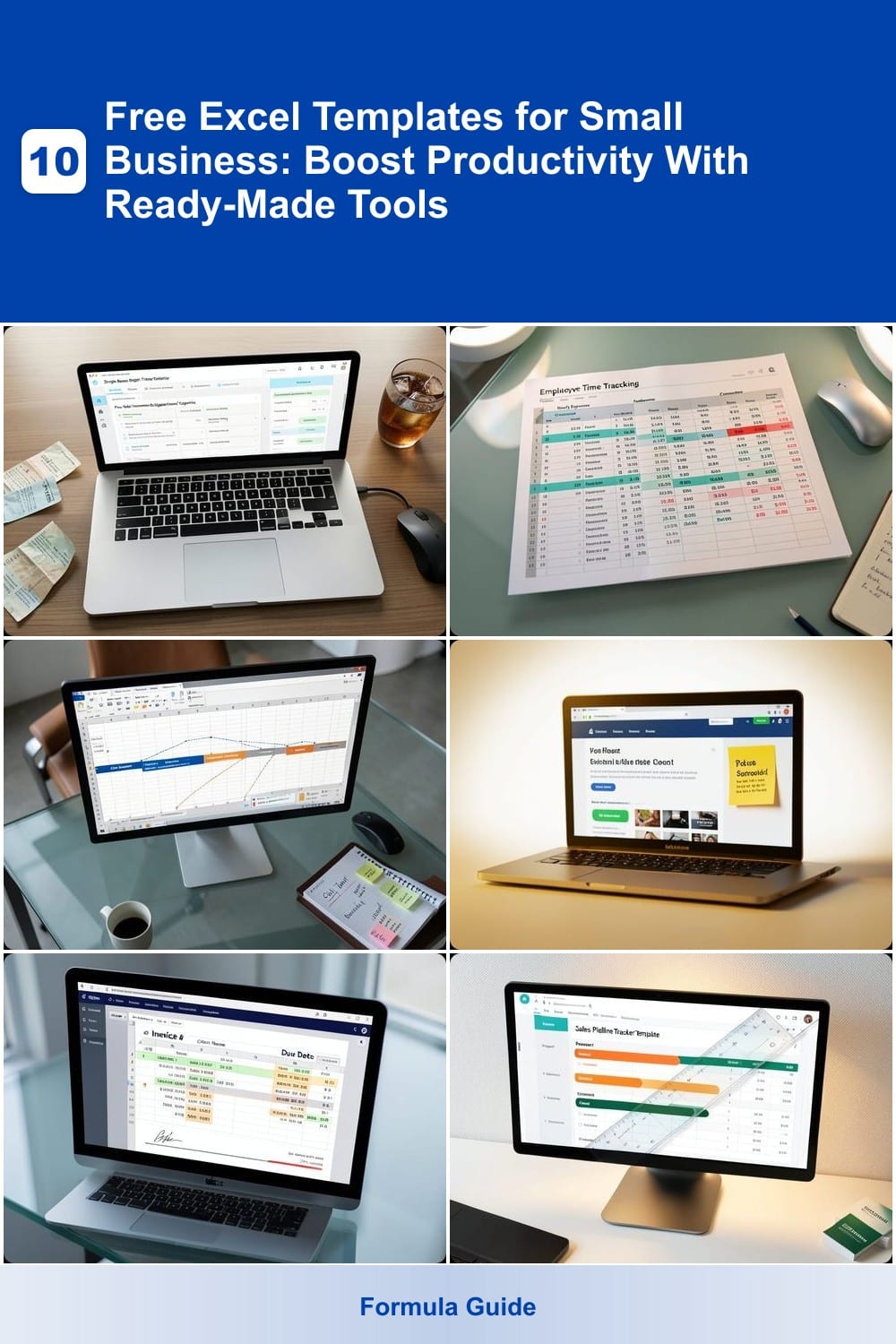
If you’re drowning in receipts and unsure where your startup’s cash is going, this Simple Business Budget Tracker Template is your financial lifeline. Designed for solopreneurs and lean teams, it eliminates guesswork with pre-built income/expense categories and automated calculations—no accounting degree required.
The template includes a color-coded pie chart for visual insights, customizable monthly budgets, and a savings tracker to monitor progress toward goals. It’s fully compatible with Excel 2016+ and Excel Online, so you can access it anywhere. Best of all? It’s 100% free and ready to download with zero setup hassle.
Perfect for freelancers, e-commerce sellers, or early-stage founders who need clarity without complexity. Just plug in your numbers and let the template do the heavy lifting. 💡
Employee Time Tracking Spreadsheet
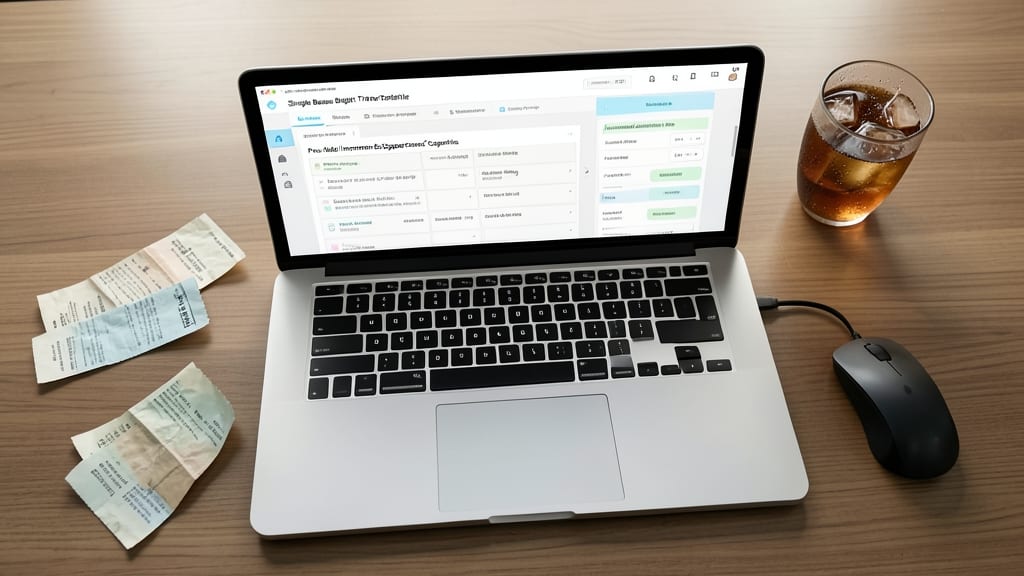
Say goodbye to manual timecards and hello to stress-free payroll prep with this Employee Time Tracking Spreadsheet. Designed specifically for small teams, it handles hourly employees, freelancers, and contractors—all in one place. The template automatically calculates regular hours, overtime, and total payroll costs, so you can focus on running your business instead of crunching numbers.
Key features include customizable pay rates, automated overtime alerts (when hours exceed 40 per week), and weekly/monthly summaries for easy payroll reporting. It even includes a tax deduction calculator to streamline year-end filings. Compatible with Excel 2016 and later, this template works seamlessly on both desktop and mobile devices.
This is the go-to solution for small business owners, HR managers, and freelance teams juggling payroll tasks. Whether you’re managing a handful of employees or a mix of contractors, this template simplifies compliance and saves hours of manual work each pay period. ⚡
Project Management Timeline Template
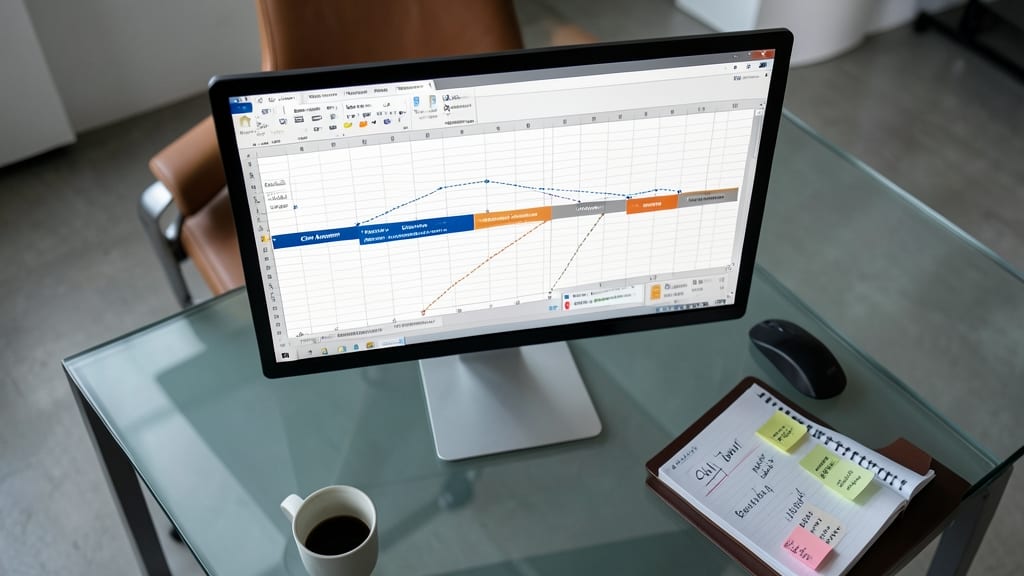
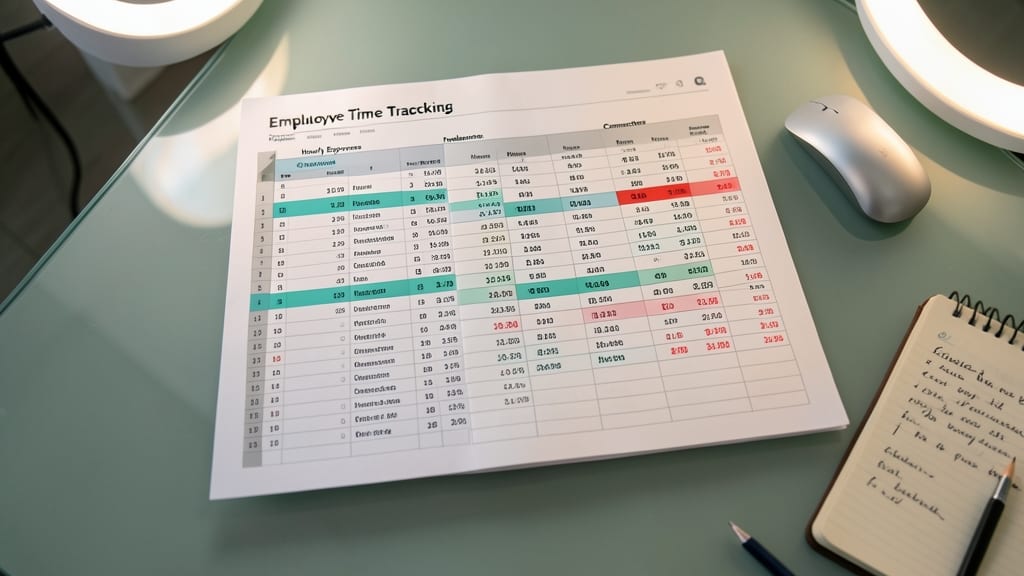
Juggling multiple project deadlines without losing sight of dependencies? This Project Management Timeline Template transforms your Excel into a visual command center, replacing sticky notes with a Gantt-style view that clearly maps out tasks, milestones, and deadlines.
Designed for freelancers and micro-businesses, it includes pre-built color-coded task bars, automatic dependency tracking, and milestone markers—all without requiring expensive software. Simply input your project phases, and the template handles the rest, giving you a bird’s-eye view of progress at a glance.
Perfect for solo entrepreneurs managing website launches, marketing campaigns, or client projects, this template turns chaos into clarity. 💻
Inventory Management System Template

Running out of stock at the worst moment—or overstocking and tying up cash—can cripple a retail or e-commerce business. This Inventory Management System Template puts you in control with real-time tracking of stock levels, automated reorder alerts, and supplier details all in one place.
The template includes customizable columns for SKU numbers, product names, current stock, reorder thresholds, and supplier contacts. Built-in conditional formatting highlights low-stock items instantly, while a purchase order log helps track pending orders. Best of all, it’s designed to scale—whether you’re managing 10 products or 100.
Perfect for small shop owners, online store managers, or anyone juggling multiple suppliers. Download it, plug in your data, and never miss a sale due to empty shelves again. ✨
Client Invoice Generator Template
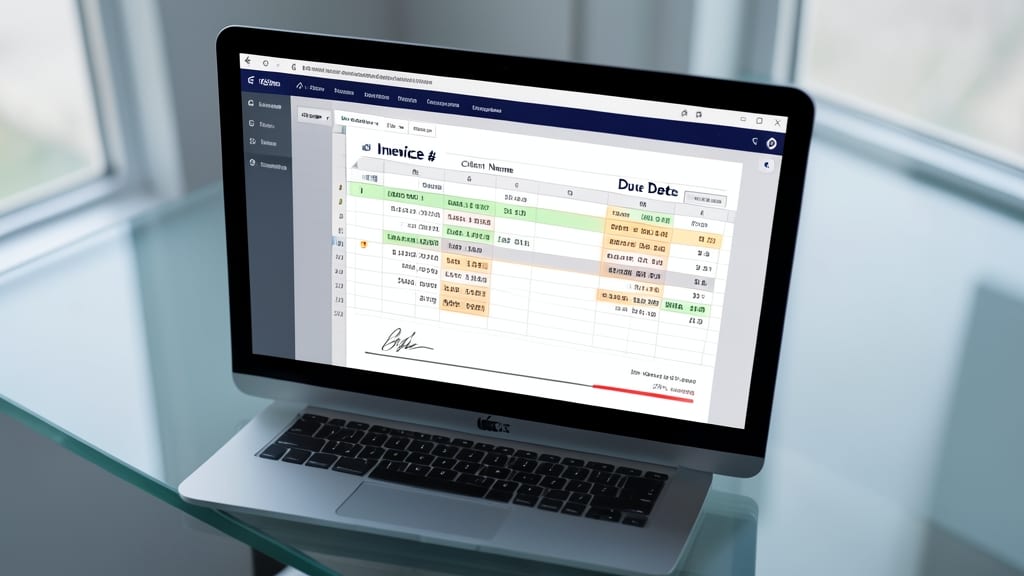
Tired of chasing down clients for late payments? A Client Invoice Generator Template turns invoicing from a hassle into a streamlined process—no accounting degree required. This template handles the heavy lifting with built-in formulas for tax calculations, late fees, and payment terms, so you can focus on delivering great service instead of crunching numbers.
The best part? It’s fully customizable—swap in your logo, adjust tax rates by state, and even add service-specific line items (think "Website Redesign" or "Consulting Hours"). Need to send a reminder? The template includes automated due date tracking and professional formatting to make your invoices look polished and trustworthy. Plus, it works seamlessly in Excel for Windows, Mac, and even Excel Online for on-the-go access.
Perfect for freelancers, consultants, and small agencies, this template saves hours every month. Download it, tweak the fields to match your brand, and watch your payment processing become effortless. ✨
Sales Pipeline Tracker Template
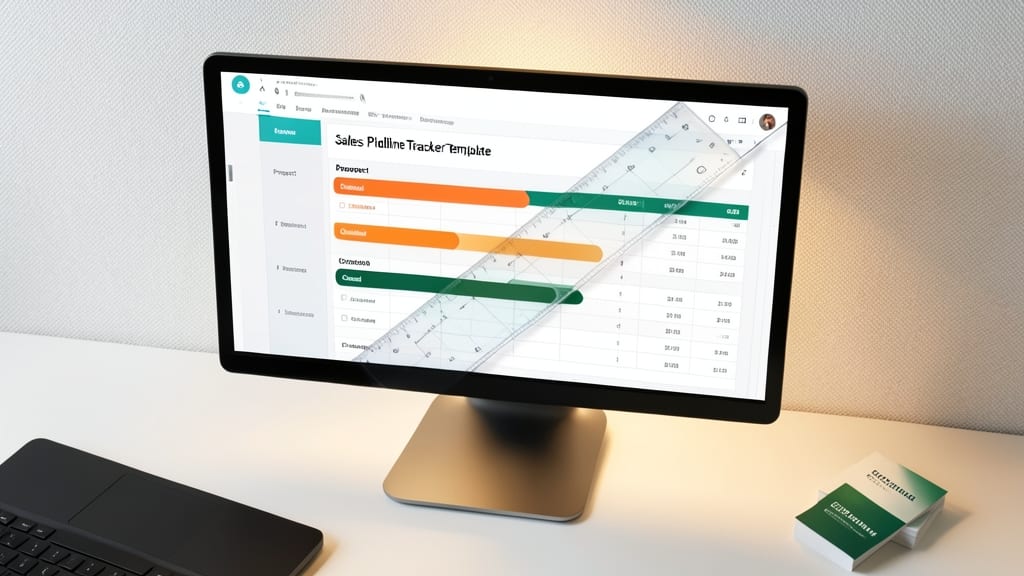
Turn raw leads into closed deals faster with a Sales Pipeline Tracker Template designed to visualize your entire sales journey at a glance. This isn’t just another spreadsheet—it uses color-coded stages (like "Prospect," "Qualified," and "Closed") and progress bars to show exactly where deals stand, so you can spot bottlenecks and prioritize high-value opportunities.
The template includes automated revenue forecasting based on your pipeline’s current stage values, plus fields for deal sizes, next steps, and owner assignments. No coding required—just plug in your data and watch your sales process become crystal clear. Best of all, it’s fully customizable to match your unique sales cycle.
Perfect for solopreneurs or small sales teams who need a zero-config way to track performance without expensive CRM tools. 💪
Expense Reimbursement Log Template
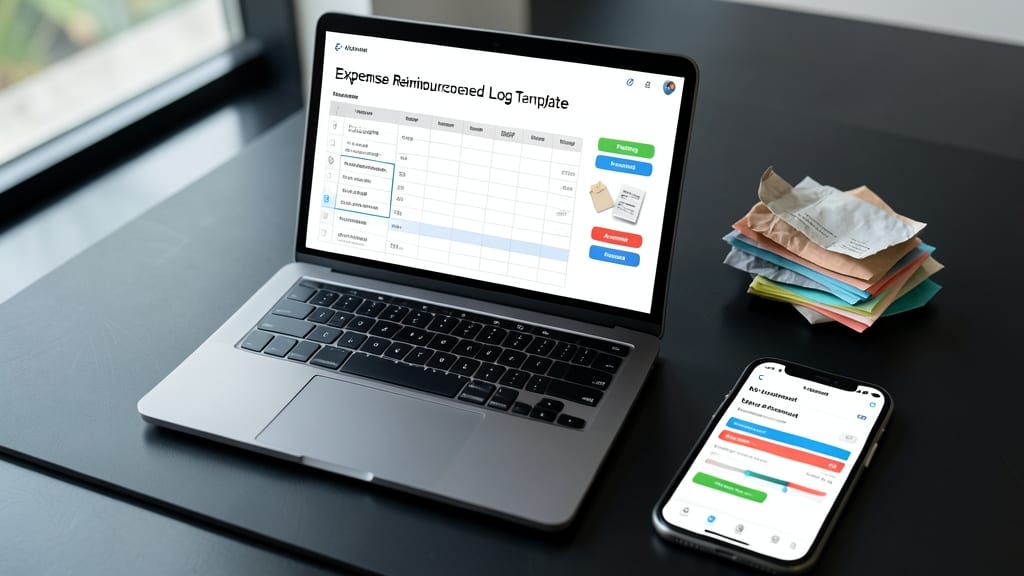
Say goodbye to lost receipts and approval headaches with an Expense Reimbursement Log Template designed for remote teams and field workers. This template goes beyond basic tracking by including dedicated receipt attachment fields and a built-in approval workflow to streamline the entire process.
Built with categorized expense fields (travel, meals, equipment, etc.), automated totals, and customizable status flags (pending/approved/rejected), it cuts down on back-and-forth emails. The receipt upload section ensures documentation is centralized, while color-coded status indicators make it easy to spot pending requests at a glance.
Perfect for consultants, sales teams, or any business with remote employees who need to log and verify expenses efficiently. No more digging through inboxes for receipts—just upload, submit, and get reimbursed faster. ✨
Break-Even Analysis Calculator Template

Launching a new product without knowing your break-even point is like sailing blindfolded—this template changes that. Designed for entrepreneurs and product managers, it dynamically calculates when your revenue will cover costs, using interactive sliders for variables like fixed costs, variable costs per unit, and sales price.
The template includes a visual break-even chart that updates instantly as you tweak inputs, plus a profitability forecast for different sales volumes. No complex accounting knowledge required—just plug in your numbers and watch the data reveal your financial thresholds. It’s perfect for testing pricing strategies or validating investment decisions before committing resources.
Ideal for startups, e-commerce sellers, or product-based businesses, this tool helps you confidently set prices and predict success. No subscriptions or hidden fees—just a free, downloadable Excel file to keep your business on track. ✨
Meeting Agenda and Minutes Template
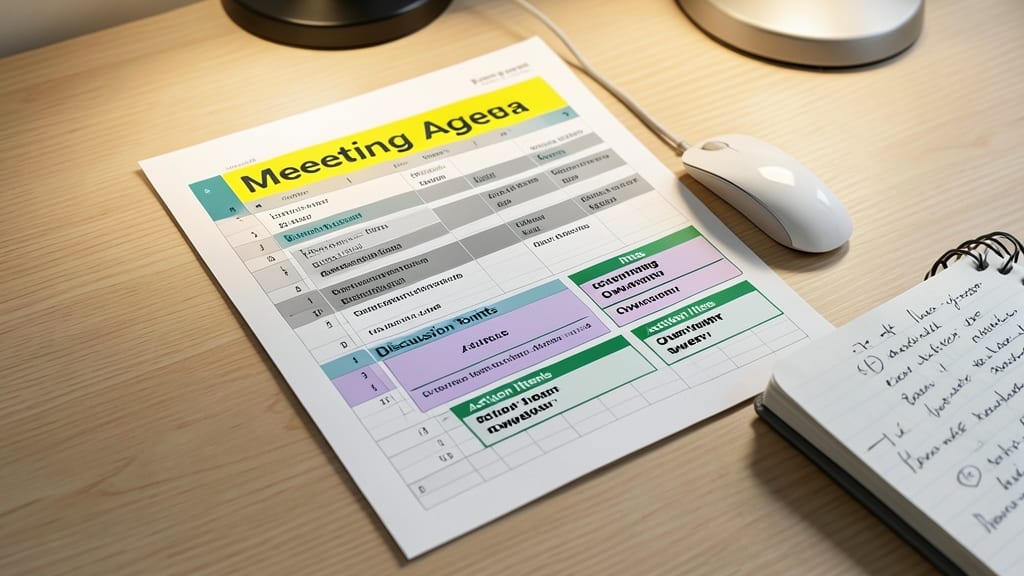
Meetings don’t have to be time sinks—this Meeting Agenda and Minutes Template turns chaotic discussions into structured, actionable outcomes in minutes. Designed for small business owners, it includes pre-built sections for agenda items, discussion points, and action item tracking with assigned owners and deadlines, so nothing slips through the cracks.
The template features color-coded priority levels (high, medium, low) and a timestamp log to track decision-making efficiency. Post-meeting, it auto-generates a shareable summary with clear next steps, reducing follow-up emails by up to 50%. Compatible with Excel Online and desktop, it syncs seamlessly across devices.
Perfect for solopreneurs or teams hosting weekly check-ins, client reviews, or brainstorming sessions. Say goodbye to scribbled notes and hello to organized, accountable meetings. ✨
Social Media Content Calendar Template
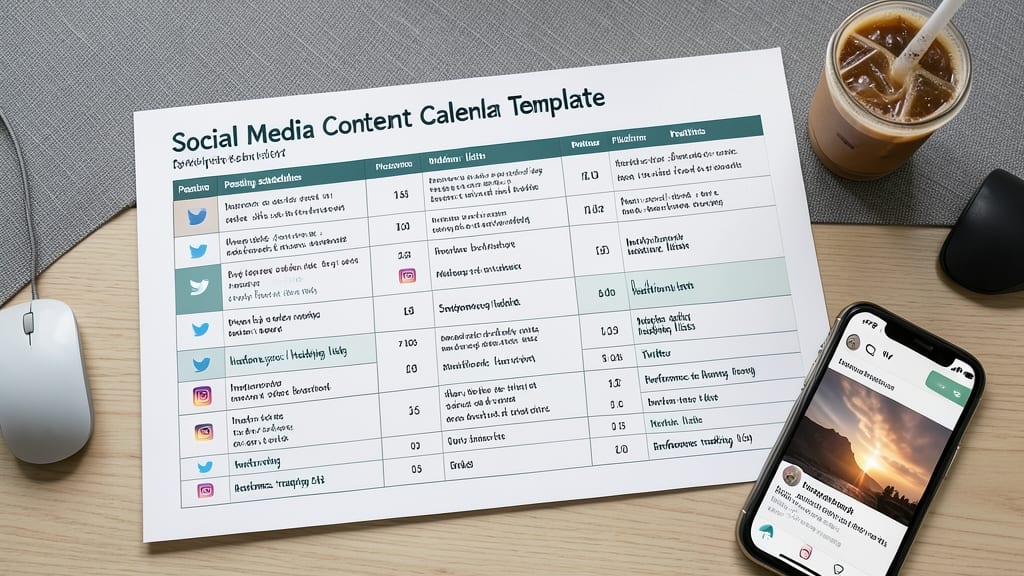
Juggling multiple social media accounts without a strategy is like flying blind—this Social Media Content Calendar Template puts you back in control. Designed for solopreneurs and small teams, it eliminates the guesswork by combining posting schedules, platform-specific hashtag lists, and performance metrics in one easy-to-use Excel sheet.
You’ll find color-coded sections for Instagram, LinkedIn, Twitter, and Facebook, with built-in fields for content ideas, captions, and ideal posting times. The template even includes a metrics tracker to monitor engagement rates, likes, and shares—so you can double down on what works. No need for expensive scheduling tools; just plug in your details and let Excel do the heavy lifting.
Perfect for freelancers, coaches, and small business owners who need a zero-learning-curve way to maintain a consistent online presence. 💡